
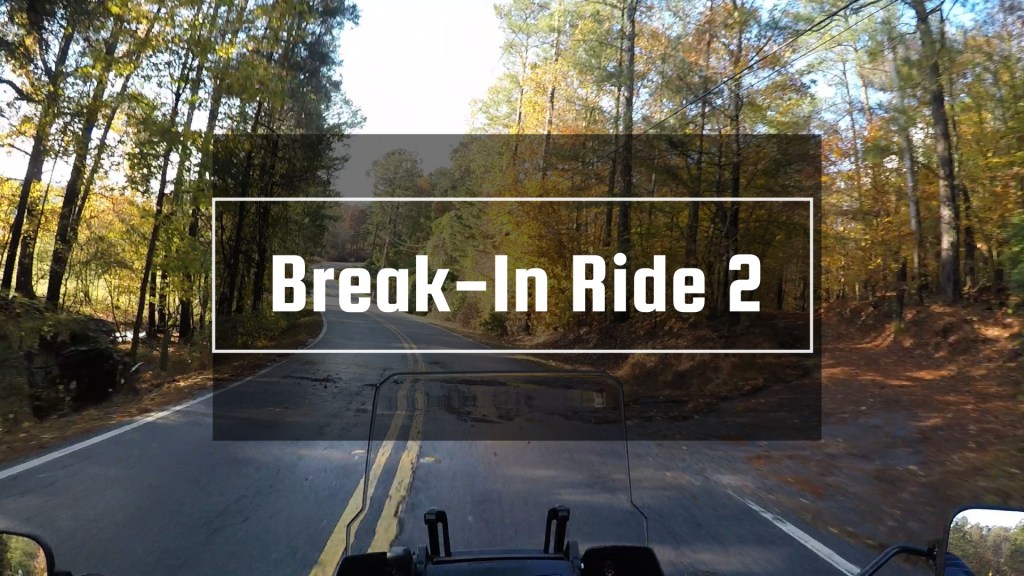
Today, 11/08/2025, is my second mini ride of Bruce, 2025 Harley-Davidson Pan America 1250 Special, since I brought him home from Atlanta Harley-Davidson on October 17th, 2025. Today was another low mileage day of 78 miles.
Bruce is still within the first 500-mile break-in, so I’m trying to keep the engine RPMs below 3500. It is crazy difficult to keep the RPMs at 3500 especially when turning onto a highway and trying to get up to speed at a reasonable rate. These are the longest 500 miles of my life LOL. I’m working on breaking in Bruce properly. My plan is to have this bike for several years. Bruce now has 184 miles on the odometer, so there are 316 miles remaining in the 500-mile break-in.
The start of the ride was delayed due to a severe thunderstorm warning for Douglas County Georgia, where I live, So, I waited out the storms to move through the area before rolling out, a delay of about two hours in total.
My two primary objectives for today’s ride were to see how the freshly installed Dynojet Folding Gear Shifter worked out and try out the HD infotainment system of bike (Navigation, phone calls and texts, and music control).
The HD infotainment system works with the Harley Davidson app that you install on your smartphone. Then I connected my Sena 10U GT-Air installed in my Shoei GT-Air (Gen1) helmet to the HD infotainment system via Bluetooth. My phone, Samsung S20 Ultra, is also connected to the bike’s infotainment system. Phone control can then be controlled via handlebar controls on the motorcycle. To play music, an app on the phone must first be launched (using the phone itself) then playback can be controlled via the motorcycle. Music playback control is not perfect but is functional and see where this will be a welcomed feature on some of my future rides.
I did not test the phone or text functionality extensively; more testing of these features is required.
First impressions of the HD navigation system are not great. At this point in my explorative use of the system, I would rate it a 5 out of 10.
First the Good:
- The display is crisp and easy to see / read.
- Plotting a route via the app and connecting between the phone and the HD system is simple to use and works well. Plotting a route is very similar to how one plots a route in Google Maps. However, I did find that the search functionality of the HD app was not nearly as extensive when compared to Google Maps, which frankly, was to be expected.
The Bad:
- Based on my extremely limited use of the app and navigation function, it appears that making and interacting with waypoints is either very difficult or not possible. Again, I will have to play with the system some more to make this assessment.
- Also, I am not sure of the audio portion of this as I did not use it long enough to see if the navigation system will speak turn by turn directions to me.
The Ugly:
- The fracking map was upside down while navigating. The biggest problem with this is all names displayed on the map are also upside down, making it difficult to figure out where you are or what is nearby. IMO, this makes the navigation system garbage. But I am giving it the ranking of 5 because, based on my limited use, the navigation system does work, looks good (aside from the upside-down map thing), and the search function does work, just not as well as Google Maps (my current go-to navigation system).
Again, I do want to play with this system more just to truly vet out its capabilities and limitations.
Up to this point, I have used Google Maps on my phone for navigation. On my long-distance, cross-country trips, I make sure to download the regional maps to cover the areas of my planned route to the phone. So, when there is no cell signal, GPS navigation on the phone still works like normal (for the most part).
The downside to using my phone as the sole method of GPS is the complete reliance on my phone for navigation.
In very heavy rains, it is possible that the phone could be compromised due to excess moisture (though this was mitigated when I used the phone on Dexter (my former motorcycle) by using a Ram Mount phone mount with built in wireless charger. The case kept water out, and the phone is also highly water resistant.
Also, in the event the phone is rendered non-operational (damage, stolen, etc.) one could find themselves with no navigation in unfamiliar surroundings (are paper maps even available at gas stations anymore?).
Despite these shortcomings, I still plan to use my phone heavily for standard navigation. I do have a Garmin Zumo XT2 6.0 ordered. I have zero experience using Garmin for navigation, so there will be a learning curve for sure. The main reason I wanted the Garmin for navigation is for the times when cell service is not available and there is no need to download maps for the route (Maps still must load on the device but based on route per say.). The other big reason is that I am not on an actual road that Google would know about, the Garmin will show me where I am based on GPS signal regardless of road, map data.
Obviously, I will need to learn and use the Gamin to master it and really give a full comparison between the three systems.
 Wanderlust Lyfe